DEMO ADMIN GUIDE
Lehl Booking System – Admin View
This guide shows how an admin, doctor, or receptionist can view bookings and customer details on the Lehl Booking System demo.
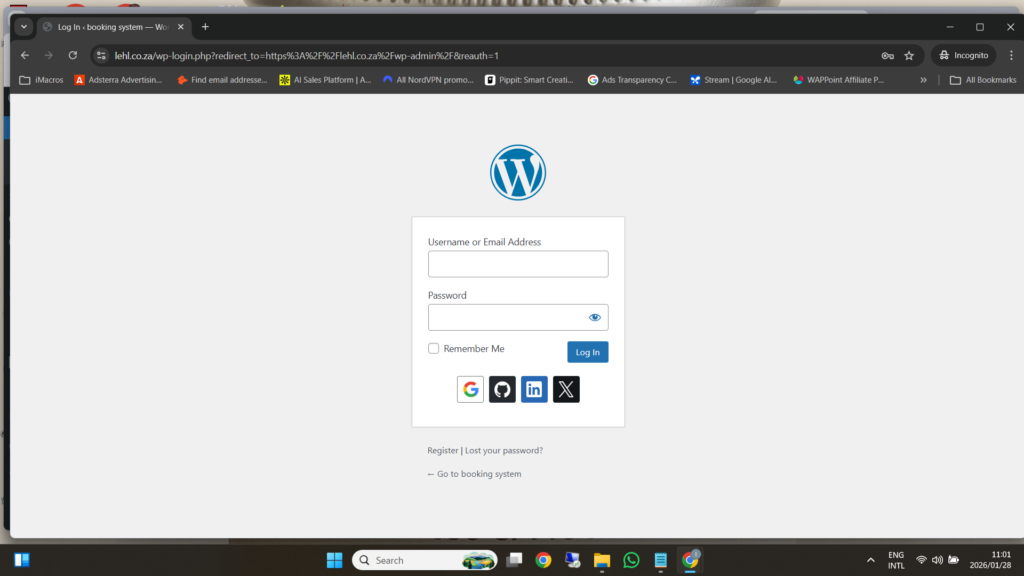
 Step 1: Login to the Demo Admin Site
-
Open your browser
-
Enter the demo admin login details provided
-
Click Log In

 You are now inside the WordPress admin dashboard
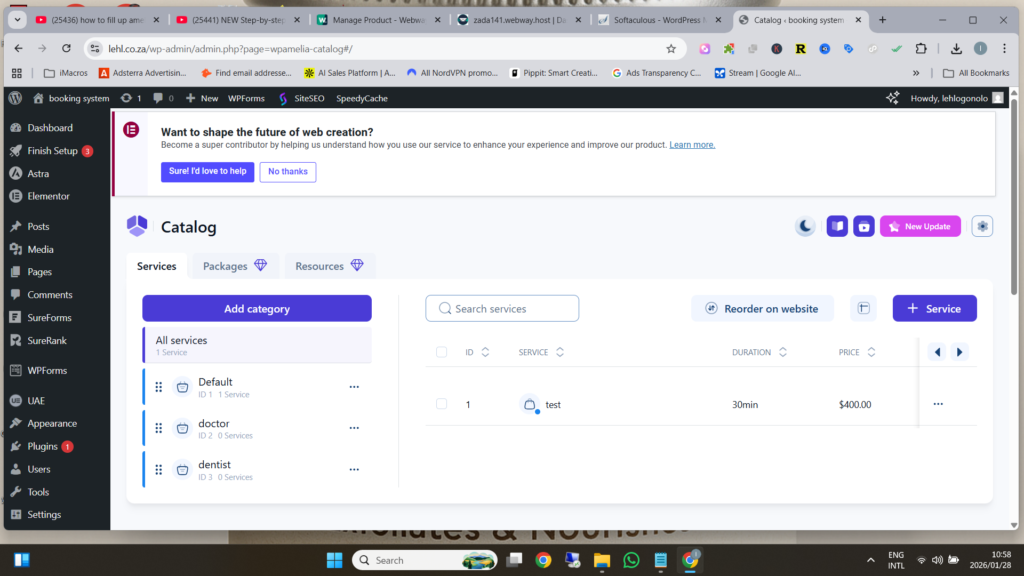
 Step 2: Open the Lehl Booking System
-
On the left-hand menu
-
Click amelia
-
You will see the amelia system features menu
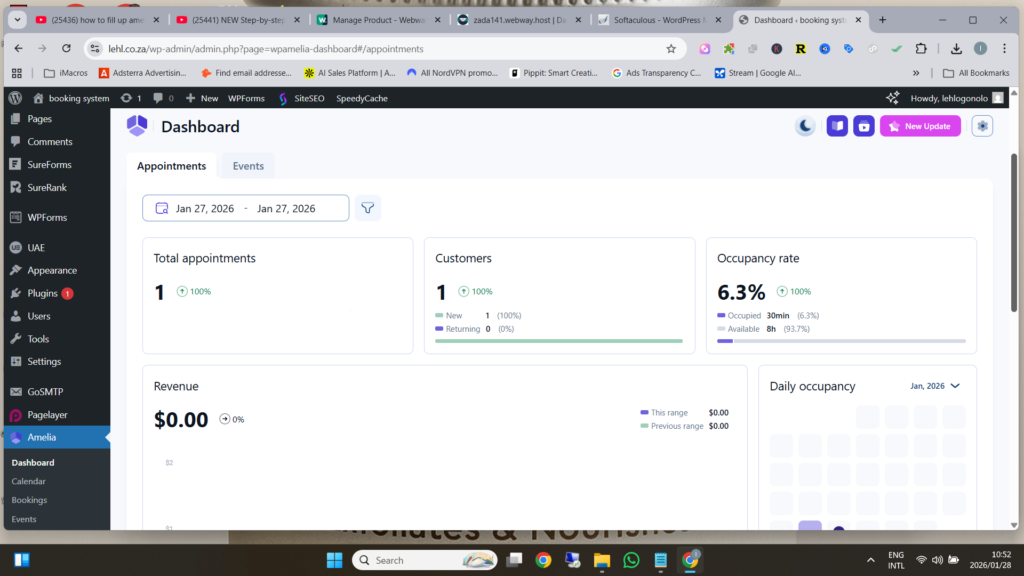
 Step 3: Open the Lehl Dashboard
-
Under amelia, click Dashboard
-
The dashboard shows:
-
Total bookings
-
Upcoming appointments
-
Recent activity
-
This gives a quick overview of clinic activity
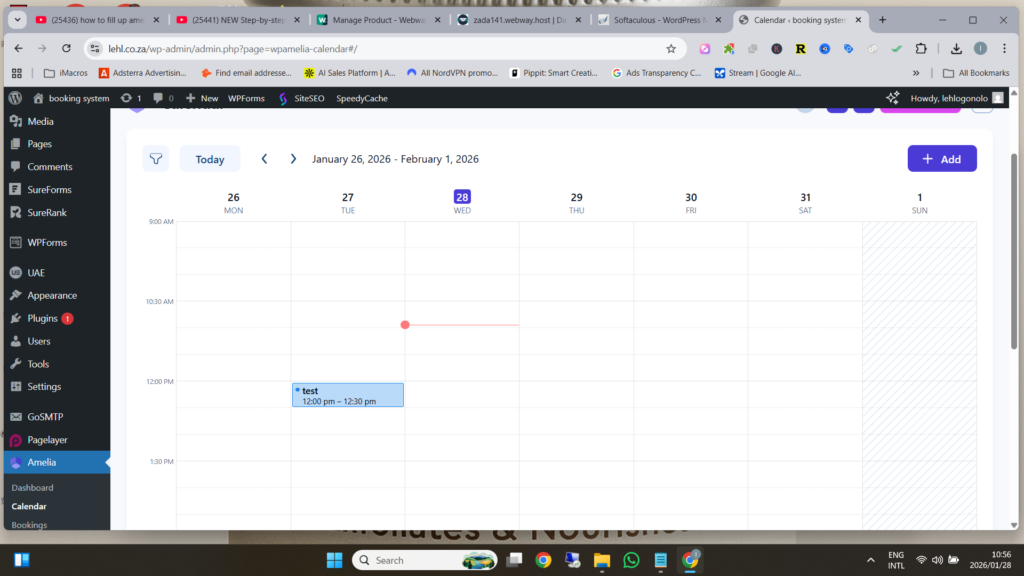
 Step 4: View All Bookings
-
Under amelia, click Bookings
-
Here you can see:
-
Who booked
-
Service booked
-
Date and time
-
Booking status (approved / pending)
-
From here you can:
-
Approve bookings
-
Reschedule appointments
-
Cancel bookings if needed
 The receptionist remains fully in control
 Step 5: View Customer Details
-
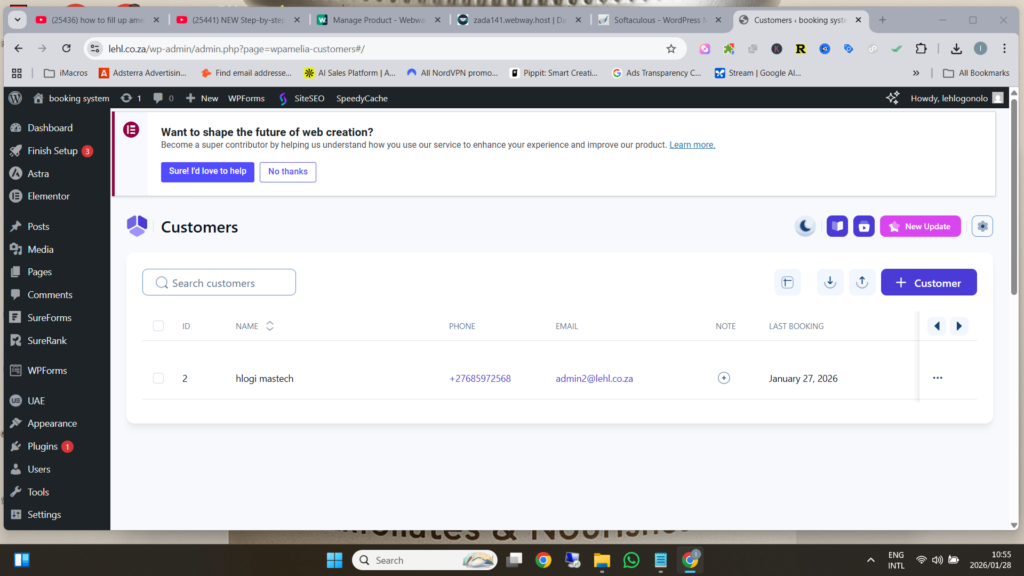
Under amelia, click Customers
-
You will see a list of all customers who made bookings
-
Click on any customer to view:
-
Name
-
Email address
-
Phone number
-
Booking history
-
This helps with patient follow-ups and record keeping
 Important Demo Notes
-
This is a DEMO system
-
No real patients or payments
-
Demo data may reset regularly
-
The Lehl Booking System supports staff, it does not replace them
 What This Demo Shows
-
How bookings are received
-
How receptionists manage appointments
-
How customer information is stored
-
How easy the Lehl Booking System is to use